





Imagine waking up, reaching for your phone, and finding that your Facebook account is disabled. Shocking, right? It will almost feel like the digital door to your social life is locked forever. Don’t panic! This can happen when smart computer programs make mistakes, even when you’re not at fault. Losing your photos, groups, friends, and memories on Facebook in just one second is a nightmare for many. But hold on! You can recover your Facebook account disabled by mistake with just a few simple steps.
In this guide, we will explain how you can recover your disabled Facebook account and protect your online reputation in future. From reasons why your Facebook account can be disabled to strategies you need to implement if the platform rejects your account recovery appeal, our guide will cover every aspect and beyond.
4 Common Reasons Why Your Facebook Account Can Be Disabled
Facebook can disable your account for various reasons. It’s not always that you’re engaged in malicious activity and have broken the platform’s core rules. Facebook can disable your account by mistake as well, especially through internal programs that are designed to prevent platform fraud and abuse.
Here we have listed some common reasons why a person’s Facebook account can be banned or disabled. Let’s have a look!
- Facebook’s Community Standard Violations
If any of your Facebook activity has violated the platform’s community standards, it can lead to your Facebook account disabled.
| Facebook Community Guideline Violations | What Activities Does It Involve? |
| Hate Speech or Harassment | If you publish content on Facebook that attacks, bullies, or promotes discrimination against individuals and groups |
| Nudity or Sexual Content | If you share explicit imagery, adult material, or sexually suggestive posts |
| Violence or Graphic Content | If you upload excessively violent media and direct threats of physical harm |
| Spam or Misleading Behaviour | If you send repetitive messages, spread fake news, scam followers, and post clickbait |
| Intellectual Property Violations | If you infringe on copyright by posting unauthorised videos, music, or branded materials |
| Fraudulent or Deceptive Activity | If you impersonate someone else or run scams on Facebook |
- Suspicious or Unusual Activity
When a Facebook user engages in any suspicious or unusual activity on Facebook, there is a higher chance of their account getting disabled. When your sudden behaviour pattern differs heavily from your normal Facebook usage, the platform is more likely to consider it as spam activity.
| Suspicious/Unusaual Activities | What Activities Does It Involve? |
| Multiple Login Attempts | When you try to log in to your Facebook account with incorrect credentials repeatedly in rapid intervals |
| Login from Unfamiliar Devices or Locations | When you log in to your Facebook account from a new IP address, unrecognised device, or strange geographic location |
| Sudden Changes to Account Information | When you rapidly alter sensitive data on your Facebook, such as your primary name, email address, and password, all at once |
| Automated Activity | If you use bots, scripts, and auto-clickers to perform mass actions like liking any Facebook posts or adding friends |
| Third-party Applications Behaving Suspiciously | When you grant dangerous or unauthorised external apps permission to control your Facebook profile or post from it |
- Identity or Authenticity Issues
If a Facebook user controls his/her Facebook profile with a fake identity and authentication, you can witness your Facebook account disabled by the platform itself.
| Identity or Authentication Issues | What Activities Does It Involve? |
| Using a Fake Name | When you use a fake name, pet name, or invented name to create a Facebook profile |
| Inaccurate Personal Information | When you add a false birth date, wrong location, or fake job history to your Facebook profile |
| Creating Accounts for Deceptive Purposes | If you set up a Facebook profile to trick people or hide your real identity |
| Suspected Impersonation | When you pretend to be another person, a prominent public figure, or a celebrity on Facebook |
- Mistaken or Automated Enforcement
Facebook’s internal programming or computer bots scan your posts and block your profile by assuming it is fake.
| Mistaken or Automated Enforcement | What Activities Does It Involve? |
| False Positives from Automated Moderation | Facebook’s internal programming or computer bots scan your posts and block your profile by assuming it is fake |
| Misunderstood Content | If the AI safety filter of Facebook misunderstands the context of your jokes, shared art, and contradictory statements |
| Compromised Accounts Blamed for An Attacker’s Activity | If your Facebook account is hacked and used for malicious purposes that can violate Facebook guidelines |
| Coordinated Reports against an Account | If angry Facebook groups mass-report your profile to initiate a false shutdown |
What to Do Immediately After Facebook Disables Your Account: 2 Urgent Steps to Follow
Is your Facebook account disabled by mistake?
If yes, then don’t worry or panic immediately! There are some ways to get your profile back. The steps you take immediately after noticing your Facebook profile ban message or notification determine whether you will be able to recover your account or not.
The following are two immediate steps you can follow if your Facebook account is disabled.
Step 1: Read the Login Notification Carefully
When Facebook disables your account, you will receive a notification from the platform. Once you get the notification, you can follow these steps:
- Log in through the Site or App: You need to open the official Facebook app or website to check the main alert notification or DM stating your profile is banned by Facebook.
- Note the Exact Displayed Message: Firstly, you need to read the message carefully. You must note the exact message that explains the reason why your profile is disabled and the instructions shown on your screen regarding profile recovery.
- Check the Option Facebook Provides (Appeal/Request Review): Now, you can check whether Facebook has provided you with the buttons ‘Request Review’ or ‘Appeal’.
- Take a Screenshot: Don’t forget to take a clear screenshot of the entire message regarding your Facebook account disabled by mistake. It will be extremely useful as a record if you appeal for profile recovery.
Step 2: Check Your Email and Notifications
Now you need to check your email and notifications from the platform. Carefully checking your email can help you understand the reasons and determine the scope for profile recovery.
- Look for Messages from Facebook: You must have a specific email account which is linked to your Facebook account. Log in to the email ID and check whether you have received any email from Facebook.
- Check Spam and Junk Folders: If the email is not appearing on the ‘Primary’ tab, you must check your spam and junk email folders as well. Sometimes, such emails often stay in the spam and junk folders instead of your main inbox
- Look for Information: Once you find the email, look for the message that explains the Facebook policy violation, security check, or other reasons why your Facebook account disabled by mistake.
How to Appeal a Facebook Account Disabled by Mistake: A Step-by-Step Guide
Now we will talk about how you can submit an appeal to recover your Facebook account disabled by mistake. You must follow this procedure, provide flawless documentation, and ensure your profile is recovered.
Professional Facebook account unban services involve following this procedure.
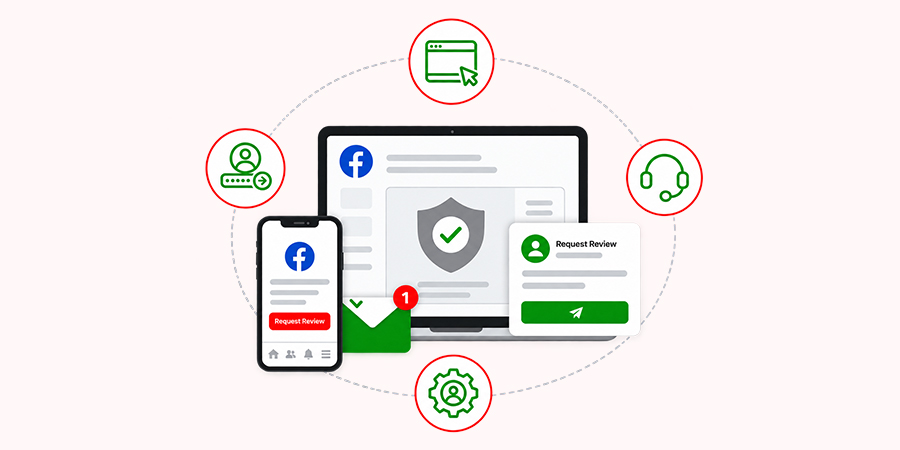
Step 1: Use Facebook’s Official Appeal/Review Process
Firstly, you must submit the appeal through Meta’s official channels before its 180-day deletion countdown expires. Initiate the appeal immediately after getting the email or notification that your Facebook account is disabled.
- Log in: You need to log in to your Facebook profile using your credentials through the official site or mobile app. It will trigger the automated ‘Request Review’ or ‘Disagree with Decision’ wizard.
- Use the Help Centre Form: If you cannot log in to your profile or come across any other on-screen appeal option, you can use the dedicated browser form.
- Access through Account Centre: If your Instagram account is linked to your Facebook profile, check whether you can directly submit a combined appeal through your Instagram Account Centre settings.
Step 2: Provide Accurate Account Information
Do you know that Meta uses automated matching systems to verify your Facebook account ownership and the appeal you have submitted?
Any type of spelling and formatting discrepancies found in the appeal can lead to immediate rejection.
Information You Must Include in Your Appeal
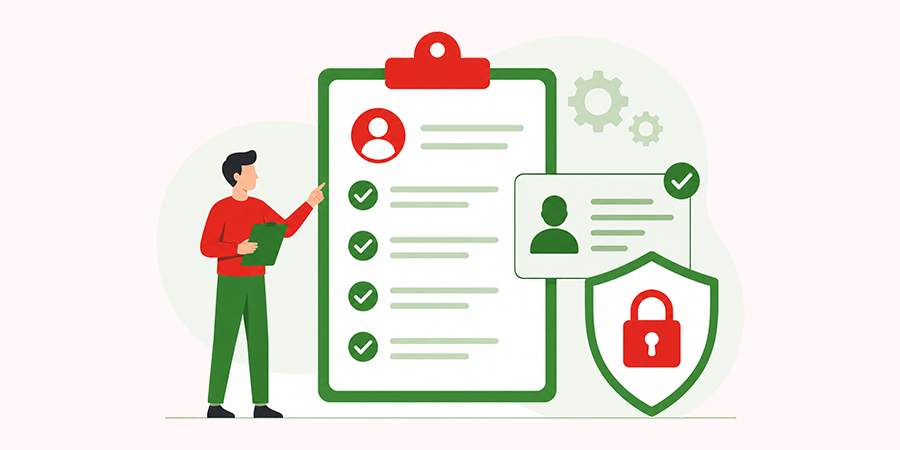
The following are some major details users must include in their recovery appeal for a Facebook account disabled by mistake.
- Full Name – Your legal name exactly as it appears on your government IDs (Avoid using your nicknames or business aliases)
- Email Address or Phone Number – Your primary email address and mobile number originally linked to your Facebook account
- Facebook Profile Information – Your exact Facebook username or your custom profile URL
- Government-issued ID – A clear, glare-free, colour photo of an official ID (such as your passport or driver’s license) that perfectly matches the name and date of birth mentioned on your Facebook profile
- Additional Verification Information: Secondary documentation like utility bills, business licenses, or marriage certificates if you recently changed your legal name
Apart from these, you need to include these details as well in your Facebook account recovery appeal.
- The exact time when the account was disabled
- The Facebook activities you were involved in immediately before the disablement
- Whether you’ve received a warning beforehand from Facebook
- Whether the account may have been compromised
Step 3: Explain Why the Disablement Was Incorrect
Don’t forget to mention why the disablement of your Facebook profile was incorrect. To recover your Facebook account disabled by mistake, you can add a concise, polite, and factual statement in your appeal to explain why the disablement is not correct according to Facebook’s Community Standards.
Supporting Evidence You Must Keep to Proceed with Further Inquiry
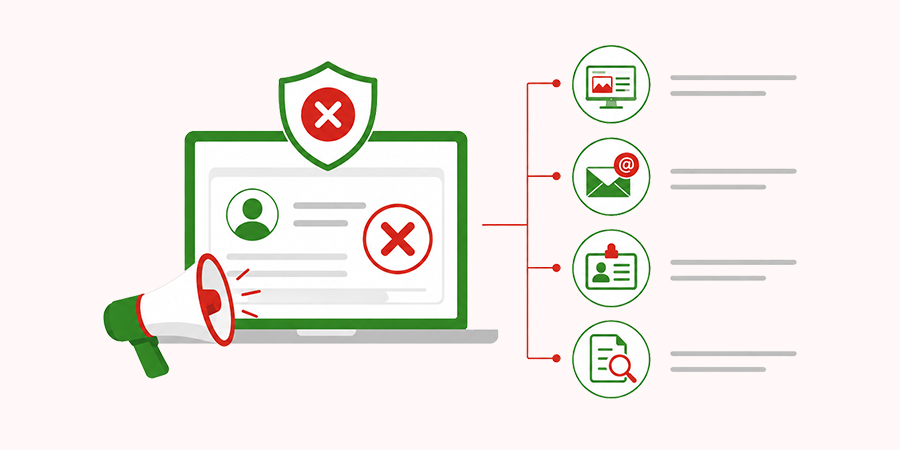
- Screenshots of every email, notification, DM, and other conversations
- Relevant Emails from Facebook
- Proof of Identity
- Evidence that Suspicious Activity Wasn’t Performed by You
What If Facebook Rejects Your Account Recovery Appeal?
Do you know that Meta can reject your Facebook account recovery appeal?
Yes, you’ve heard that right! Meta can formally reject your appeal if they don’t agree with your submitted request. In such situations, the path to recovery significantly narrows. However, you still have specific escalation options before completely losing hope.
We have talked about three alternative ways that can help you handle initial rejections.
Step 1: Check If Another Official Review Option Is Available
When your initial appeal to recover your Facebook account disabled by mistake is rejected, you shouldn’t think that every path to recover your Facebook account is closed.
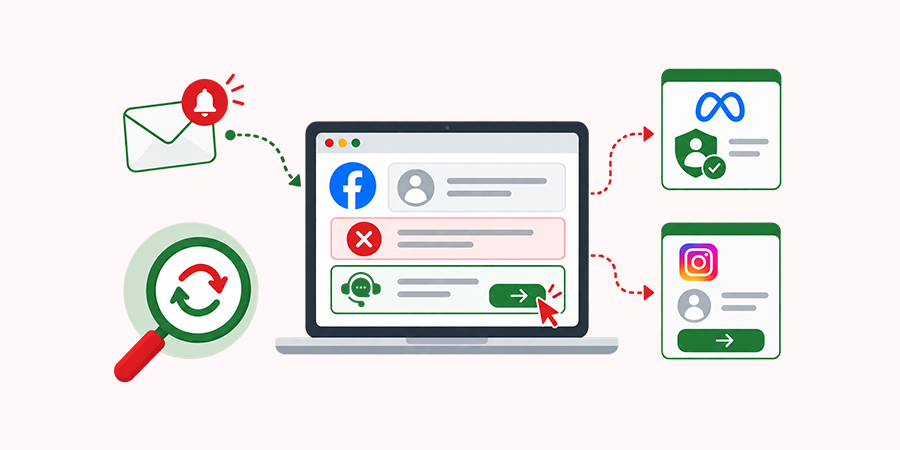
- You need to check whether there is any other escalation link available. Check if the email or notification mentions anything related to a ‘Request an Additional Review’ or ‘Disagree with Decision’ button.
- You can also try assessing alternative portals, such as the Meta Help Centre Identity Verification Form, if your rejection was related to your identity.
- If your Facebook account is linked to your Instagram account, always check whether you will be able to submit a separate appeal from the Instagram app to initiate a fresh review.
Step 2: Check Meta’s Account Support Resources
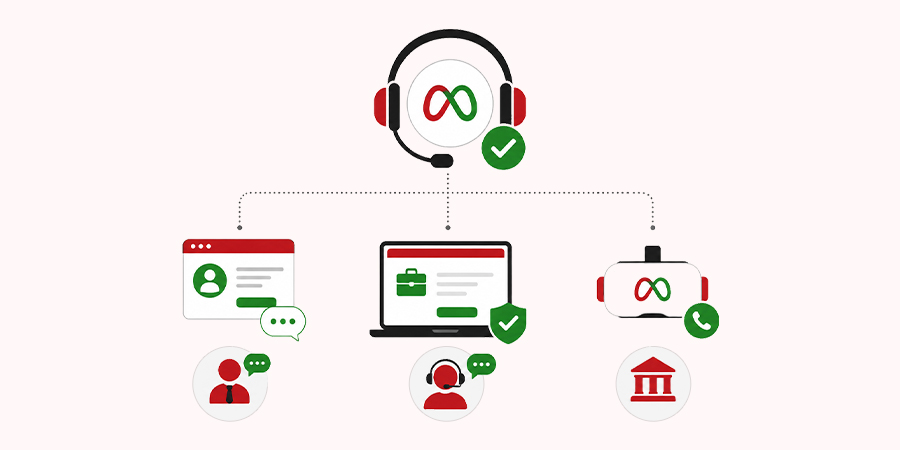
When your appeal to recover a Facebook account disabled by mistake is rejected by Meta, you must check its account support resources, such as the official channels.
- You can use the direct live-chat feature to ask a human agent to escalate your rejected account recovery request. This is only applicable to those who have an active and verified Facebook/Instagram profile with a Meta Verified subscription.
- If you own an ad account or business page on Facebook, you can leverage Meta Business Support and open a live support ticket through the commerce help desk.
- If you own a Meta VR headset and have purchased digital store content linked to your disabled Facebook account, you can contact Meta Quest Support directly to request your Facebook account recovery for your paid digital library.
Step 3: Determine Whether the Decision Is Final
Now it’s time for you to check whether the rejection is final or not. When you know whether the decision not to recover your Facebook account is final or not, it prevents you from wasting your time and falling for scams.
Situations That Say Your Facebook Account Cannot Be Recovered –
- When you receive notifications like – “We cannot review this decision” or “Your account has been permanently disabled
- When you receive no confirmation for the Facebook account recovery within the 180-day account deletion countdown after the initial suspension notice
A Pro Tip for You! Once you know that the decision not to recover your Facebook account is final, you must use Meta’s data privacy portals to request access to the downloads of your personal data, photos, and information before your profile is completely erased from the platform.
5 Common Facebook Account Recovery Mistakes to Avoid
When you try to recover a Facebook account disabled by mistake, avoiding common mistakes can ensure the success of the process and prevent permanent account loss. In this section, we have talked about the 5 most common mistakes Facebook users must avoid while recovering their disabled account.
Mistake 1: Paying “Facebook Recovery Experts”
Have you considered paying the Facebook Recovery Experts?
If yes, you are making a huge mistake. We suggest you not pay anyone on any social media platform, such as Telegram, Instagram, or WhatsApp. If someone pretending to be a Facebook Recovery Expert claims that they can hack or unban your profile in exchange for a fee, you must reach out to the Facebook Help Centre. Most of these independent services are scams or fake.
Mistake 2: Sharing OTPs or Passwords
You should never give your Facebook login passwords, verification codes, or one-time-passwords (OTPs) to anyone. Sharing these credentials can increase the chances of Facebook profile hacking. Always remember, real Meta Support staff will never ask you to share your Facebook password or verification codes.
Mistake 3: Submitting False Information
Users should always avoid uploading altered identification documents, wrong birthdates, and fake IDs to your Facebook profile. If you submit false information during the verification stage, Meta’s automated and human reviewers may permanently reject your mismatched profile.
Mistake 4: Sending Multiple Contradictory Appeals
If you’re sending multiple appeals to Facebook, Meta may not consider your account recovery request. So, you shouldn’t spam Meta’s review system with dozens of separate forms or conflicting stories. It can flag your Facebook recovery appeal as spam and even increase your wait time.
Mistake 5: Using Unofficial Recovery Websites
Always avoid using third-party web tools, unauthorised apps that promise your Facebook account restoration, and fake support portals to recover your profile. These external sites can steal your profile data or even hijack your remaining active sessions. So, if you want to recover a Facebook account disabled by mistake, you shouldn’t use any unofficial site for this.
How to Protect Your Facebook Account After Recovery: 6 Tips to Follow
Once you have recovered your Facebook account, you need to secure your profile immediately. From creating a strong password to reviewing your connected apps, you need to follow some best practices to protect your Facebook profile from being disabled in future.
The following are 6 useful tips you must follow to protect your Facebook profile after recovery.
Tip 1: Strengthen Your Password
The first thing you should do is to create a strong password. You need to choose a password which is long and complex (including a mix of letters, numbers, and symbols). Always ensure that you don’t use that specific password on any other website or email ID.
Tip 2: Enable Two-Factor Authentication
This is another significant step users must follow after recovering their Facebook account disabled by mistake. You can set up an authenticator app or SMS verification to enable two-factor authentication. So whenever someone tries to log in to your Facebook profile from an unknown device, it requires your approval. It allows you to add an extra checkpoint for your Facebook profile protection.
Tip 3: Review Login Activity
Log in to your Facebook page and navigate to your profile’s Security Settings section. Then, you need to check the ‘Where you’re Logged In’ section and see if there are any login attempts from unknown devices. If there is any such device mentioned, you need to immediately log out of those devices or locations.
Tip 4: Secure Your Email Account
Now, it’s time to secure your email account linked to your Facebook account disabled by mistake. For this, you need to change the Facebook password you were using and enable two-factor authentication on the primary email address. This prevents hackers from using your email ID as a backdoor recovery path.
Tip 5: Review Connected Apps
Now you need to remove all the permissions that you have enabled previously in Facebook Reviewing old or untrusted third-party apps, games, and websites connected to your Facebook profile can help you remove their permissions. It will also allow you to prevent these apps and sites from accessing your basic profile data.
Tip 6: Be Careful With Phishing Messages
You can check your email ID or Facebook to identify fake emails or DMs that are pretending to be Meta Support. Be careful of such emails or messages, as they can ask you to share your Facebook profile credentials and verification codes. Make sure that you don’t share anything!
FAQs
Below, we have listed some frequently asked questions and answers related to a Facebook account disabled by mistake.
Q. 1 Can I recover my Facebook account without a government ID?
Ans. Yes, you can recover your Facebook profile without a government ID. You can use trusted contacts, a recognised device, and an alternative email ID or phone number to be recognised on the Facebook Login Identification Page. However, users without access to familiar devices or secondary verification methods often find profile recovery nearly impossible or extremely difficult if the automated checks fail.
Q. 2 How long does it take to recover a disabled Facebook account?
Ans. Recovering a disabled Facebook account takes from 24 hours to some weeks after you submit an appeal. You must file your request within 180 days of the disablement through the Facebook Help Centre. If you fail to recover your Facebook profile within this timeframe, it can be permanently deleted.
Q. 3 What if my account was hacked and then disabled?
Ans. If your Facebook account was hacked, it is more likely to result in an automatic profile suspension. It means that the hacker has broken Facebook’s guidelines while using your profile. In such situations, you can file an official appeal to Facebook’s support team, share supporting documents to prove your identity, and explain the hacking that has caused the violation.
Q. 4 Can I make a new Facebook account after my old account got disabled?
Ans. Yes, you can. However, Facebook’s automated security systems tend to quickly flag or ban your new profile if it identifies the same personal details, device data, and IP address related to your previous Facebook account ban.
Q. 5 Can I submit a second Facebook account recovery appeal?
Ans. No, you cannot submit a second appeal for your Facebook account disabled by mistake. According to the Facebook Help Centre, you will not be able to submit a second appeal for Facebook account recovery if your previous appeal is denied or the previous review window closes.
Conclusion
Finding out that your Facebook profile has been disabled is quite frustrating. But it’s not something permanent – you can recover your profile and its data by following a strategic procedure. Our complete guide on the recovery of your Facebook account disabled by mistake will help you get back the control of your profile quite easily.
Do not wait, as Meta has a strict timeframe of 180 days to finalise an account recovery. Still confused about how to get started? Partner with a reliable online reputation management agency to seek their professional assistance!

